
From one sentence to a website you can launch.
Tell Siteglade about your business, your audience and what visitors should do. It plans the pages, designs them, writes the copy and builds a real website you can keep shaping.

- Planning five pages
- Choosing a design
- Writing the copy
- Creating the images
Why build with Siteglade
How it compares to a classic website builder.
 SitegladeClassic website builder
Whole websites, not just a hero
Siteglade plans the structure first: a home page, the pages your visitors need and the links between them. Then it builds them together, in one consistent design.
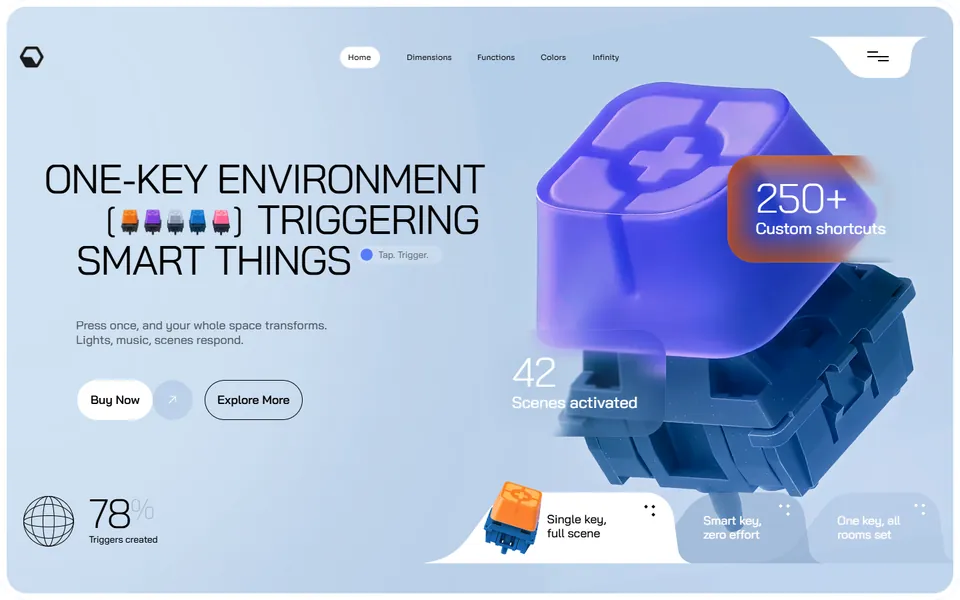 Selected elementFont size18WeightMediumBoldUse our brand black for this button
Click it, say it, done
Select any element in the live preview and describe the change. Fonts, colours and spacing can also be tuned by hand when you want precise control.


Looks right on every screen
Every site is built responsive from the start. Check the phone layout in the preview and ask for changes that only apply to small screens.
You stay in control
Everything you need to own the result.
Live in three steps
- 01
Describe
Write a few sentences about what you are building and for whom.
- 02
Shape
Pick a design direction, look at the preview and ask for changes.
- 03
Publish
Put it online with one click and keep improving it.
Ideas to try
Questions and answers
Can I start from a template?
Yes. Pick one of the templates and describe how it should change, or start from your own brief.
How many pages can a site have?
As many as it needs. Describe the pages and the flows between them and Siteglade plans the structure.
Can I edit the text myself?
Yes. Click an element in the preview to change it, or describe the change in the chat.
Which plans can download the code?
Every plan, including Free, can download the project as a ZIP and clone it with Git.